Privacy
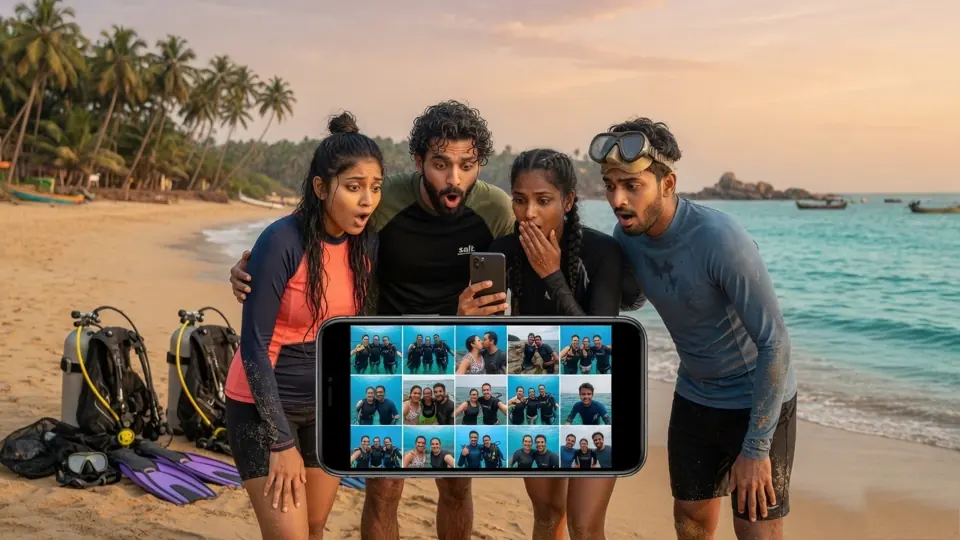
Your memories shouldn’t be everyone’s memories.
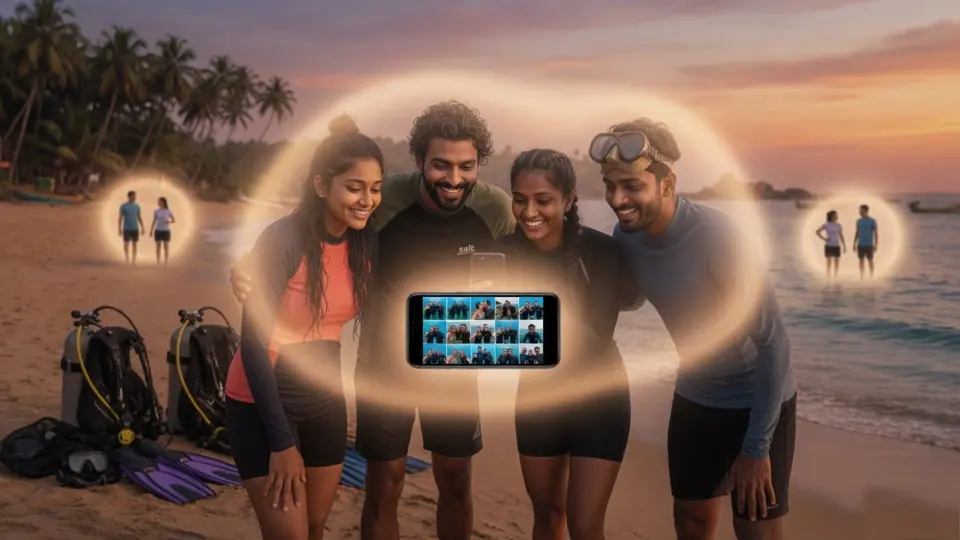
One shared folder, and the whole dive mixes in with strangers. Your trip does not belong to every group on the beach.
Keep your photos private Made in Bharat
Keep what matters in Storaa Hub. Send the rest with a link and a QR code. No account needed.
Chai break se lekar board meeting tak,
files size jyada ho ya thora, use Storaa.
 PDFInvoice.pdfMP4Wedding.mp4ZIPProject.zip
STORAAStore Securely. Access Anywhere.
Your group’s photos stay in your space. Other groups keep theirs. Store securely. Access anywhere.
Start your private spaceStoraa Swift
No account. No app for them. The file deletes itself after 24 hours.
Two ways to use Storaa
Store documents, photos and videos in one private place and reach them from any device.
Send a file to anyone in seconds: no account for you, no app for them.
Storaa Swift in 3 steps
Drag it in or pick it, up to 50 MB.
Copy the link or let them scan the code.
The file is deleted after 24 hours.
Features
Drop files anywhere on your Hub or pick them from your device.
Every share comes with a short link and a QR code, so it works on any phone.
Hub share links stop working after an hour; Swift files vanish after a day.
See thumbnails of your photos and videos instead of a wall of file names.
Sort by name and filter by type: documents, PDFs, photos, videos, audio and more.
A live meter shows how much of your plan you've used and what's left.
One tap with your Google account, or use your username and password.
Files are encrypted at rest on Amazon S3 and reachable only through your account.
Security
Your Hub is locked to your account, and anything you share is temporary by design.
Only you can see, download or delete the files in your Hub.
Every file is stored encrypted on Amazon S3.
Share links expire on their own, so old links don't leak files.
Passwords are hashed with bcrypt and repeated login attempts are blocked.
Storaa Flex plans
Pay for the space you need. Swift sharing stays free.
FAQ
STORAA is private cloud storage and secure file sharing. STORAA Hub is your personal cloud drive for photos and files, and STORAA Swift lets you send a file with a link and QR code without an account.
Files are encrypted at rest on Amazon S3 and all traffic uses HTTPS. Passwords are hashed with bcrypt, repeated sign-in attempts are rate-limited, and your Hub is reachable only through your account. STORAA is not an end-to-end encrypted, zero-knowledge service.
You pick a file and create a link or QR code for just that file. The recipient can open that file and nothing else in your Hub. Links from your Hub expire after an hour, and files shared with STORAA Swift are deleted after 24 hours.
Yes. Your Hub shows thumbnails of photos and videos, lets you filter by type, and shows how much storage you have used.
Yes. Send a link or QR code. They do not need an account or an app to download the file.
Folder-based tools are built for collaboration, so people with access to a folder see everything in it. STORAA is built for privacy: files are private by default, sharing is one file at a time, and links expire. It does not offer real-time document editing.
Yes. Sign in from any modern browser on your phone, tablet or computer to reach your Hub.
STORAA Swift is free for files up to 50 MB. Hub storage depends on the plan you choose, monthly or yearly. Current plans and prices are on the pricing page.
Creating an account and using STORAA Swift cost nothing. Hub storage plans are paid, and you can see them before you buy.
Learn more
STORAA is private cloud storage where only you can see your files. Upload photos and documents, find them fast, and share only what you choose.
Share files securely with a link and QR code that expire on their own. Send a file in seconds with STORAA Swift, no account needed for you or the recipient.
Share photos without oversharing. Send each person only the photos meant for them, with expiring links, instead of one shared folder everyone can open.
Back up your photos and videos in private cloud storage. Browse thumbnails, filter by type, track your space and share single photos with expiring links.
Looking for a Google Drive alternative for private sharing? See how STORAA's per-file expiring links and no-signup sharing differ from shared folders.
Trip photo sharing made simple. Send holiday photos to friends and family with a link or QR code, keep the full set private, and let links expire on their own.
Quick share for photos, videos and documents. Send a file with a link or QR code in seconds, with no account, and the file is deleted after 24 hours.
Share a photo or file by QR code. Scan to download on any phone, no app and no account needed. Works for trips, events and quick hand-offs.
Store and share large videos and files. STORAA uploads big files in parallel chunks, retries failed pieces, and downloads straight from storage for speed.
Share wedding, party and event photos with guests. Send a link or QR code, keep the full gallery private, and avoid blurry compressed copies.
Temporary file sharing with automatic deletion. Send a photo or document through a link that expires, so your files do not stay online forever.
Guides to sharing photos and files privately, without oversharing.
Bas upload karo, baaki Storaa sambhal lega.
